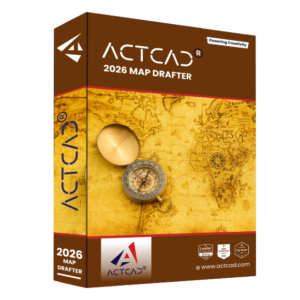


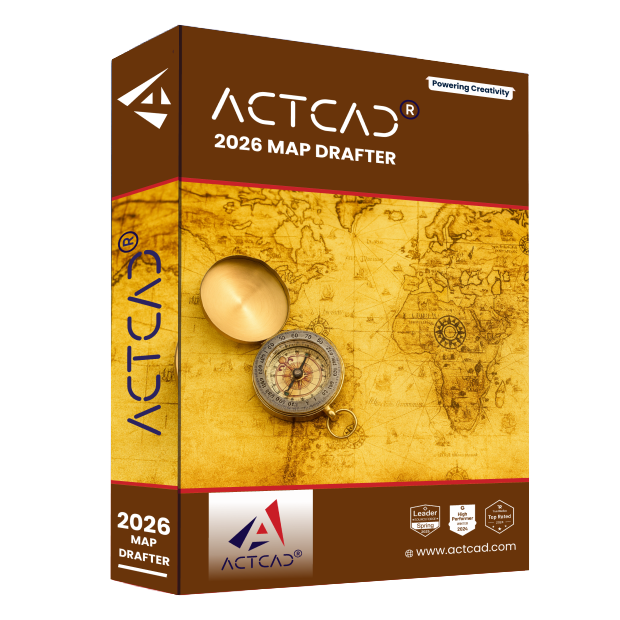
ActCAD 2026
Map Drafter

2D Power Drafting & 3D Modeling Enterprise Grade CAD Software with Perpetual Licensing

What is ActCAD Map Drafter?

ActCAD Map Drafter is your powerful and cost-effective answer for cartography and map creation in 2D:

2D Drafting

Includes all the 2D drafting and design features you would expect, plus image calibration, local language text features, map view and flow directions, profiles, image markers, map cleanup, ESRI shape export, and much more.

Map Drafter Users

Caters to the needs of cartographers, urban planners, architects, civil engineers, surveyors, and GIS professionals enabling users to create intricate maps with ease, ensuring precision and accuracy in map creation.

File Compatibility

ActCAD Map Drafter is compatible with industry-standard file formats such as DWG, DXF, and SHP, ensuring seamless integration with existing workflows and compatibility with other CAD software.

Why use ActCAD Map Drafter?​

Powering your Creativity

Innovate, design, and deliver with advanced 3D modeling capabilities, complemented by precise 2D drafting.

Enterprise-Ready, Budget-Friendly

Affordable pricing and novel licensing options with no compromise on power, scalability, or reliability.

Unleash Instant Productivity

ActCAD Map Drafter builds on the IntelliCAD 14 engine with advanced tools and ensures seamless compatibility across industry formats.

Contact us for a Demo to explore many more such features designed to streamline your workflow!

ActCAD Map Drafter Features​

A glimpse of ActCAD Map Drafter features for ensuring precision and accuracy in map creation.

Map Pdf

Exports map drawings or layouts to PDF format to share or distribute map data and designs.

Image Boundary

Refers to the perimeter or outline of a raster image or scanned map within the drawing environment. Delineates the extent of the image and is often used for spatial reference and analysis in mapping applications.

Image Calibrate

Precise scaling and alignment of raster images by assigning real-world coordinates to known reference points.

Flow Direction

Typically used in GIS applications for analyzing the direction of flow in a surface, such as water flow in a terrain model or drainage analysis.

Map Number Count

Enumerates the total number of map elements or features within a specified area or category to provide quantitative info. on the distribution and density of map data.

4 Point Image Rectification

Converts images to a standard map coordinate system and merge images taken from multiple perspectives into the common map coordinate system..

Map Markers

Symbols used to represent specific points of interest, locations, or features within a map drawing.

Map Direction

Symbols used to represent specific points of interest, locations, or features within a map drawing.

Map Clean

Optimizes map data by removing duplicates, simplifying geometry, and correcting topology issues, ensuring high-quality and organized geographic datasets.

Map Number Series

Sequential numbering system applied to map features or elements within a drawing. Help organize and identify different components of the map, facilitating data management.

Centroid

"Centroid" refers to the geometric center point of a polygonal feature within a map drawing. It assists in defining the polygon's boundary and for spatial analysis, labeling, or as a reference point in GIS.

FAQs - ActCAD Map Drafter​

Designed for surveyors, GIS professionals, and infrastructure planners, Map Drafter excels in working with spatial data and maps. Suitable for those handling land records, layout planning, and site analysis.

Supports DWG/DXF plus GIS formats like SHP (ESRI Shape Files), GeoTIFF, and other spatial data types used in land mapping and surveying.

Yes. It comes with a DWG/DXF version converter, and also supports GIS-to-DWG transformations and overlay features.

No! ActCAD products comes with a lifetime licensepay once and use forever, with optional maintenance & upgrades if you choose. No mandatory subscription.

Yes. Updates for Map Drafter include new GIS features, enhanced map tools, and bug fixes, provided for free within the same version.

Type “Check for Updates” command inside ActCAD command prompt and follow instructions.

Minimum System Requirement

Microsoft Windows 10/11

2GHz & Above (64-bit architecture)

4Gb (8Gb or above is highly recommended)

10GB Free Space

Open GL 2.0 & above

HD Monitor for better Graphics Display

Act now to get ActCAD Map Drafter

Join the millions of people who use ActCAD to accelerate their creativity in drafting and design.

Fill in the form to apply as Dealer

This information is required if you've sold to your customers and/or source the supply from the supplier/provider/reseller/distributor, in order to protect relevant party interest and relationships.

The above is only your estimation based on your past experience in relevant work scope. You may refer the above target in the Agreement, if you feel the target is inappropriate or not within your capacity.